How is a journey different from uptime monitoring?
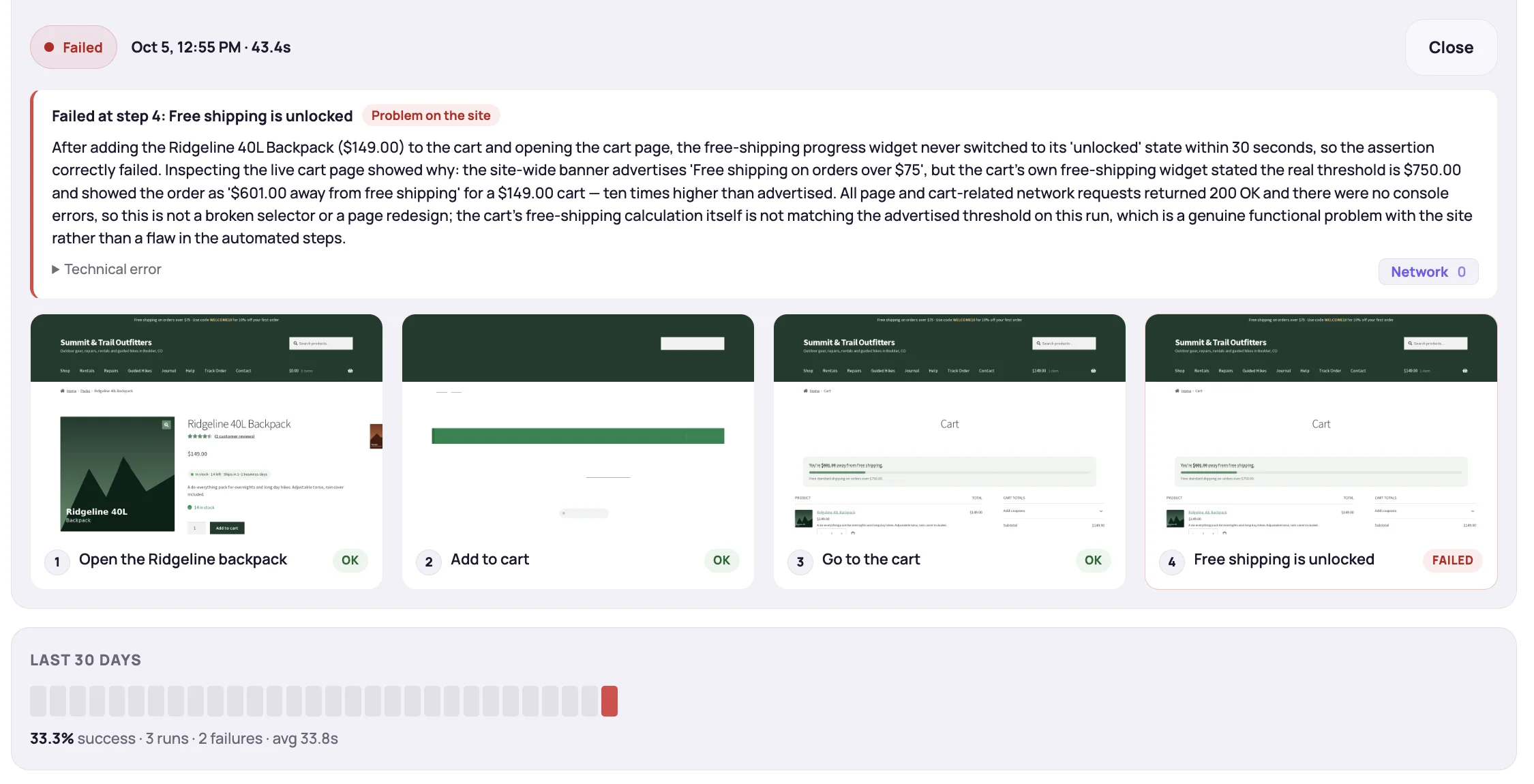
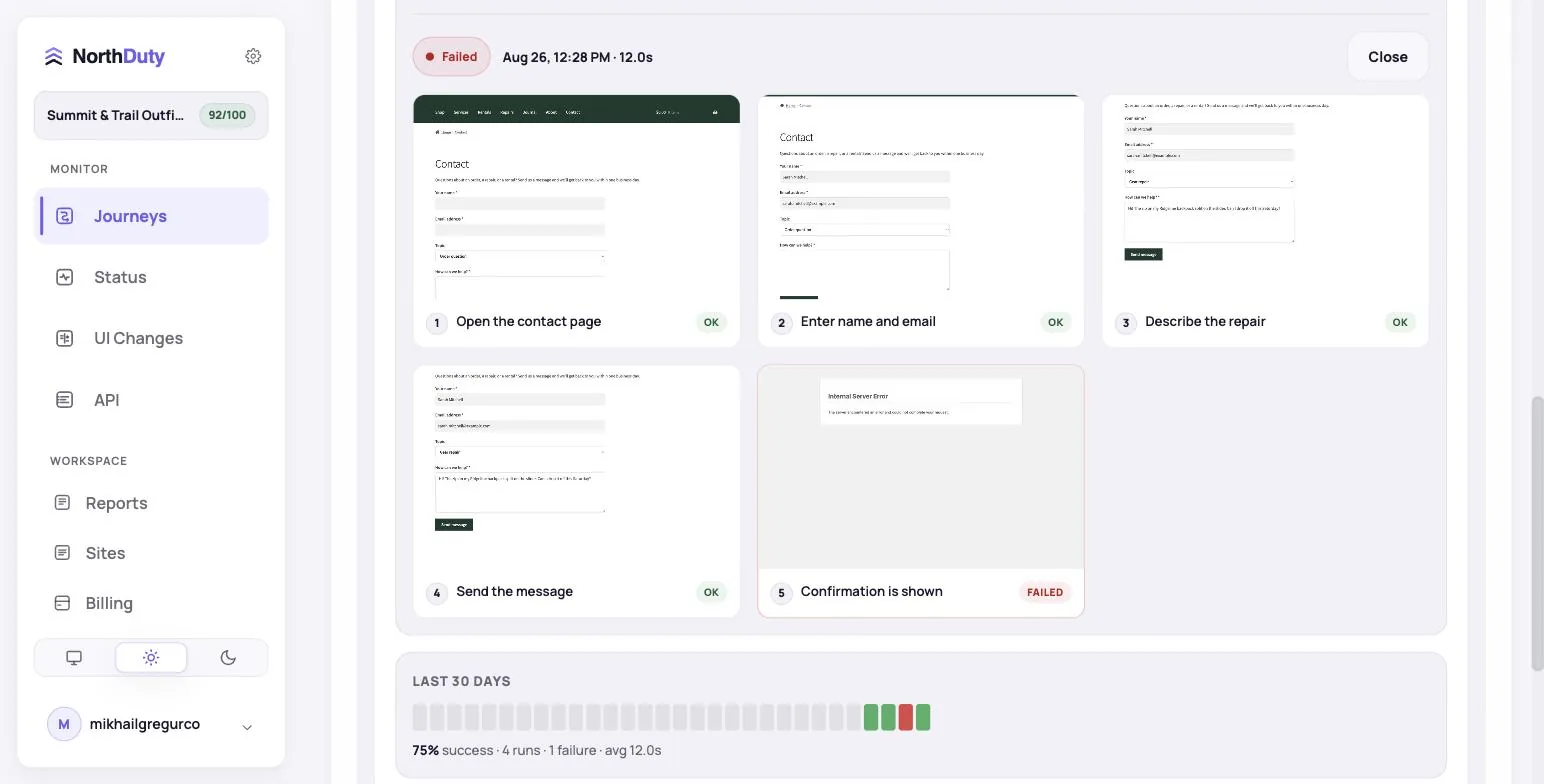
An uptime check asks the server whether a URL responds. A journey opens the site in a real browser and does what a customer does — clicks, fills, submits — and checks that each step worked. A site can be 100% up with a broken checkout; only the journey notices.
Do I need to write code or Playwright scripts?
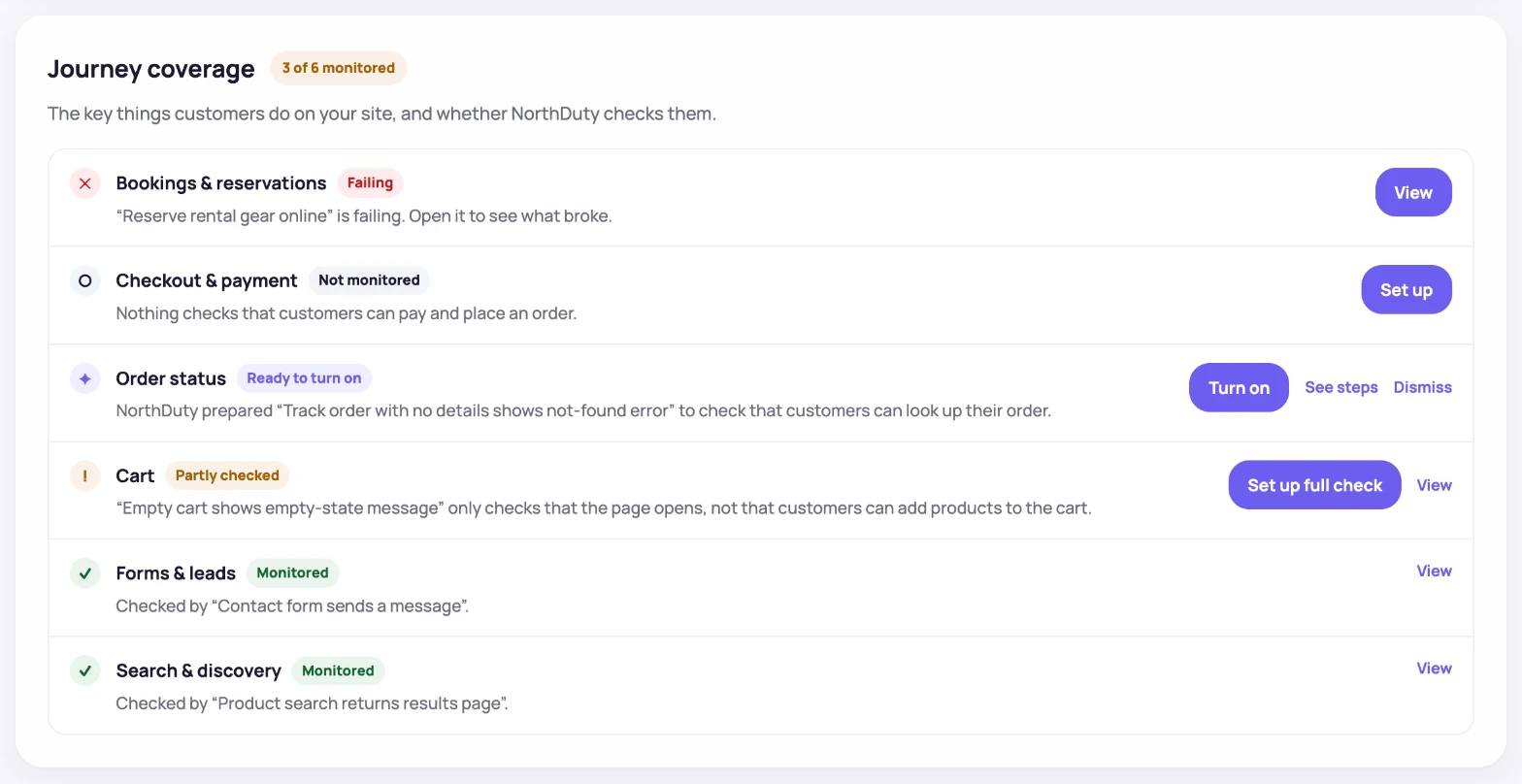
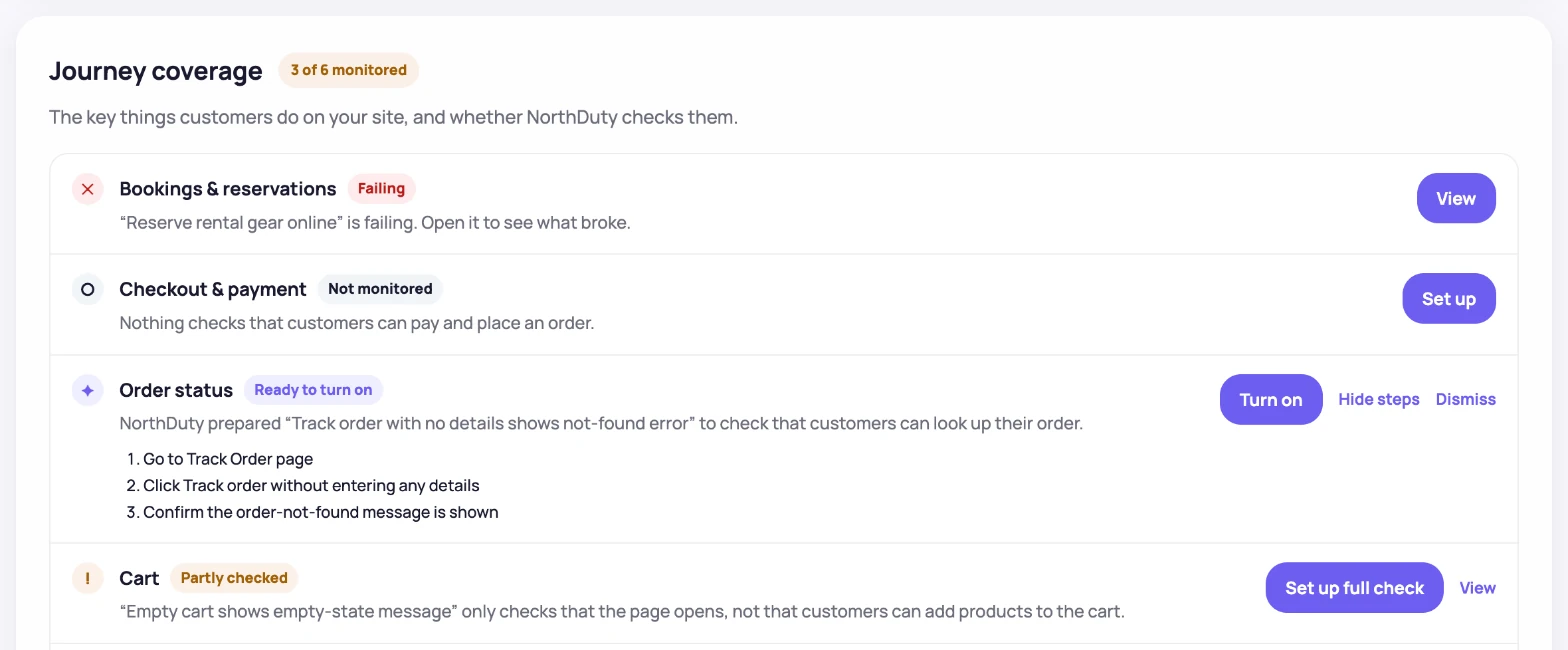
No. NorthDuty runs Playwright and Chromium behind the scenes, but you never touch them. Journey coverage lists the site's key customer actions, AI suggests journeys for the ones nothing checks, and custom journeys are described in plain text.
What happens when my site changes and a step no longer matches?
NorthDuty attempts to repair the step against the new page and reports what it changed, so a redesign does not turn into a wall of false alarms. If it cannot repair it, the journey fails with a screenshot so you can adjust the description.
Is it safe to run checkout on a live store?
Use a test account and test payment details, as you would for any QA. Keep secrets and real payment data out of the journey text. Journeys are intended for sites you own, operate, or are authorized to test.
How often do journeys run, and what does it cost?
Free runs one journey once a day, forever. Starter ($29) runs 6 every 15 minutes across 2 sites, Pro ($79) runs 15 every 15 minutes across 5 sites, Business ($199) runs 45 every 10 minutes across 15 sites, and Enterprise ($499) runs 150 every 5 minutes. The 7-day trial unlocks everything with no card.
Does it work with WooCommerce and WordPress?
Yes, with no plugin to install — NorthDuty drives the site from the outside in a real browser. That is also why it catches the WordPress failure that hurts most: an update that leaves the site up while checkout, login, or a form quietly stops working.