1
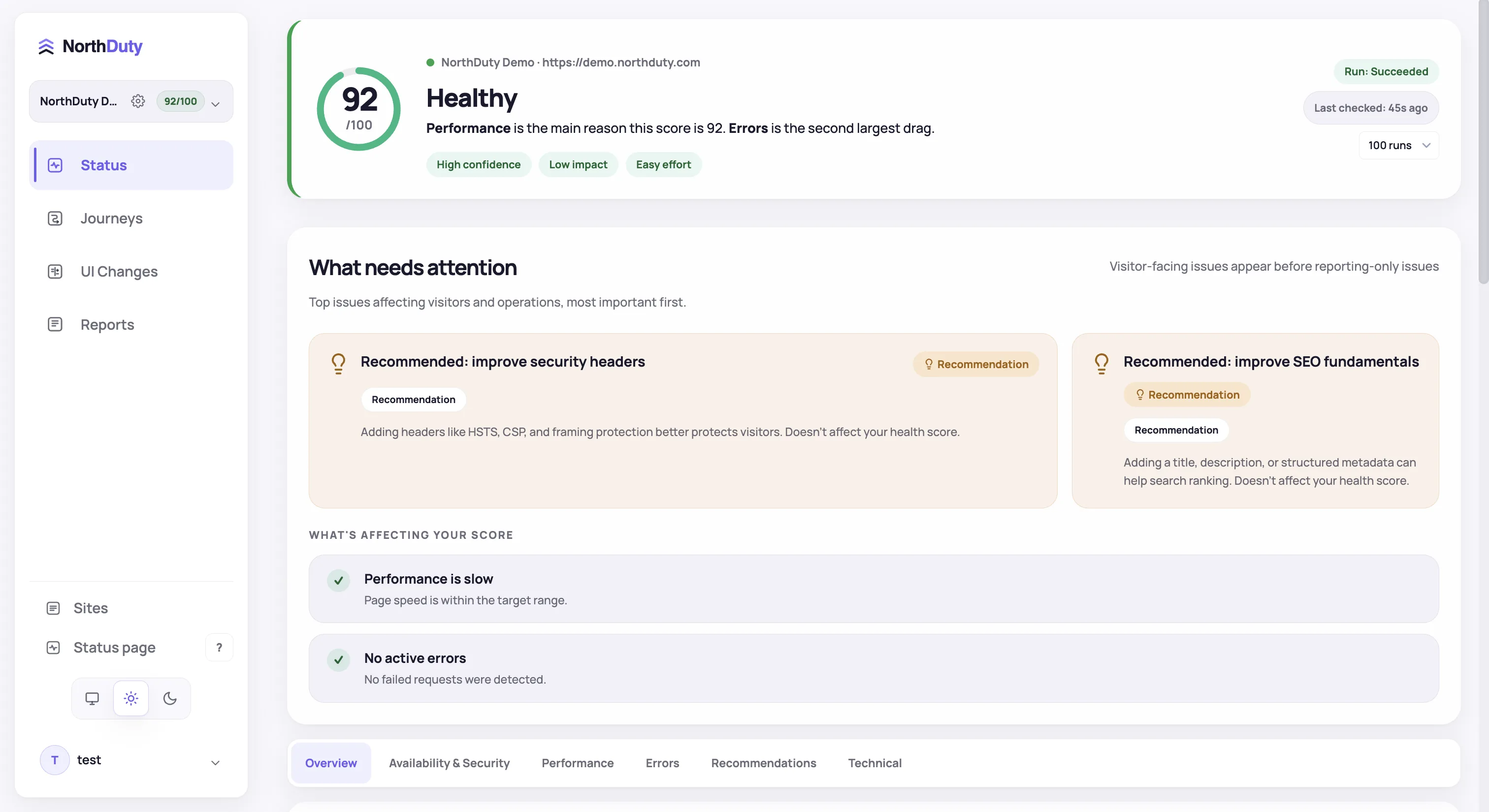
Create a project with your base URL
Uptime monitoring is on by default; API monitors, UI changes, and user journeys are ready to enable.
2
Turn on the suggested API monitors
Review the endpoints NorthDuty found in your pages' traffic and enable the critical ones in one click, or add an endpoint by hand.
3
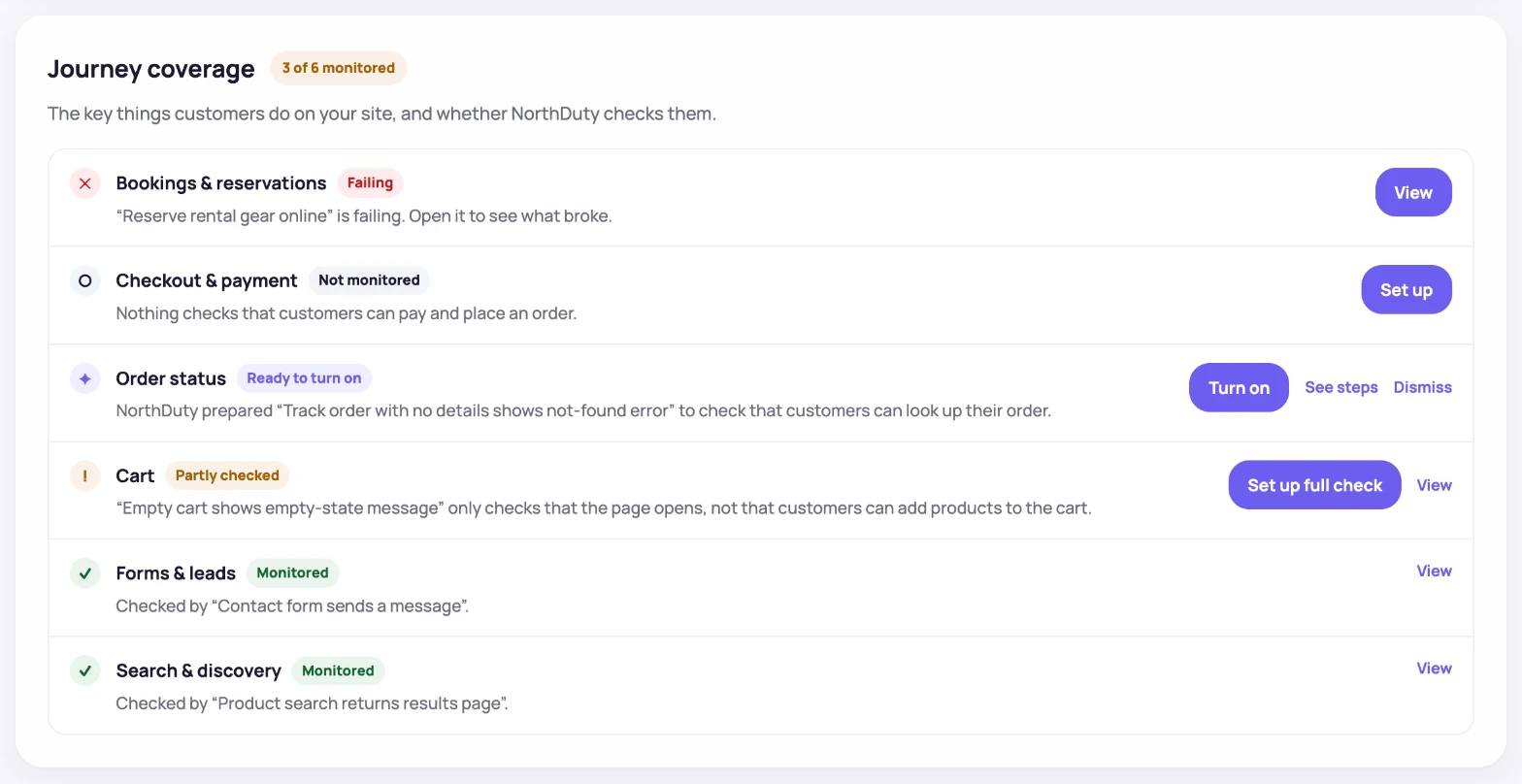
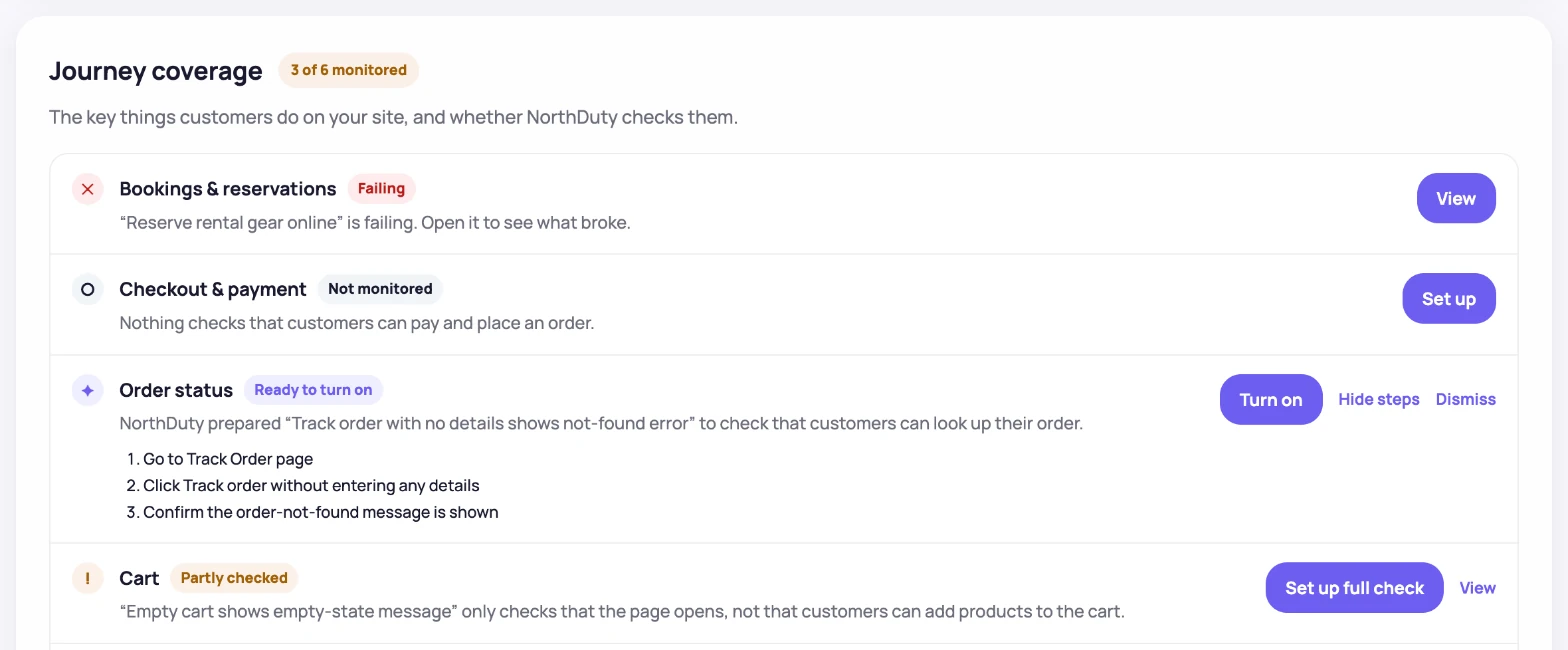
Pick the AI-suggested user journeys you want
Review the 2-5 journeys NorthDuty proposes. Enable the relevant ones, or describe your own in plain text.
4
Confirm the UI change baselines
NorthDuty captures screenshot baselines and pixel-diffs later captures against them, with managed URL sets available for broader page reviews.
5
Tune cadence per project
Website health runs every 5 minutes by default; API-monitor, visual-change, and journey cadences can be adjusted in project settings.